Fixing My Digital Nomad Workspace
Going Nomad
Before I went and heavily downsized my tech footprint, I was what you could consider the complete opposite of a digital nomad. My home office doubled as an IT workshop, complete with long tables, overhead lights, and old computers in various states of disrepair. I had a hefty tower workstation setup, file servers, printers, and a massive accumulation of over 20 years of old tech equipment.
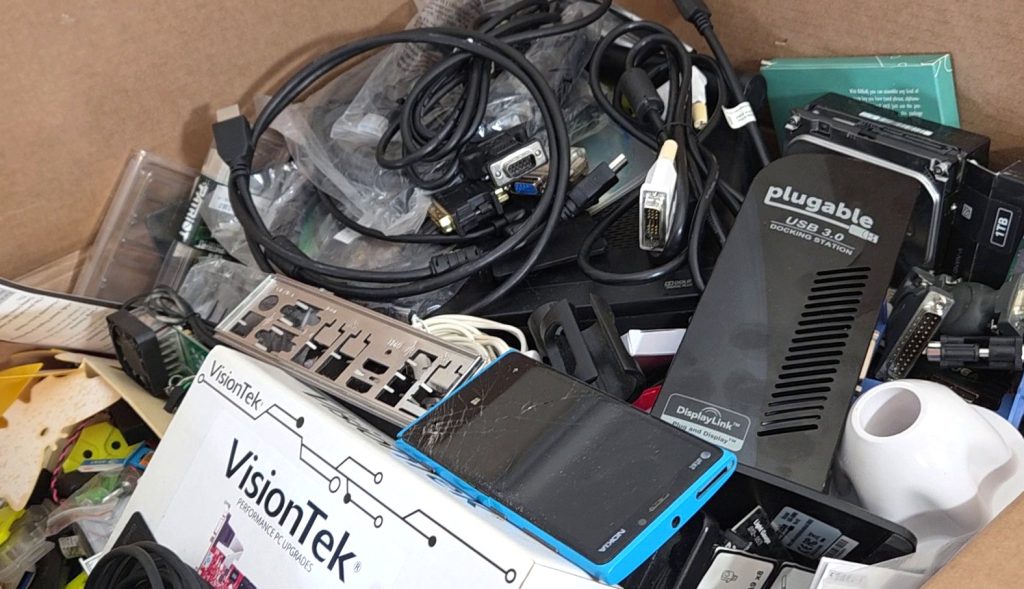
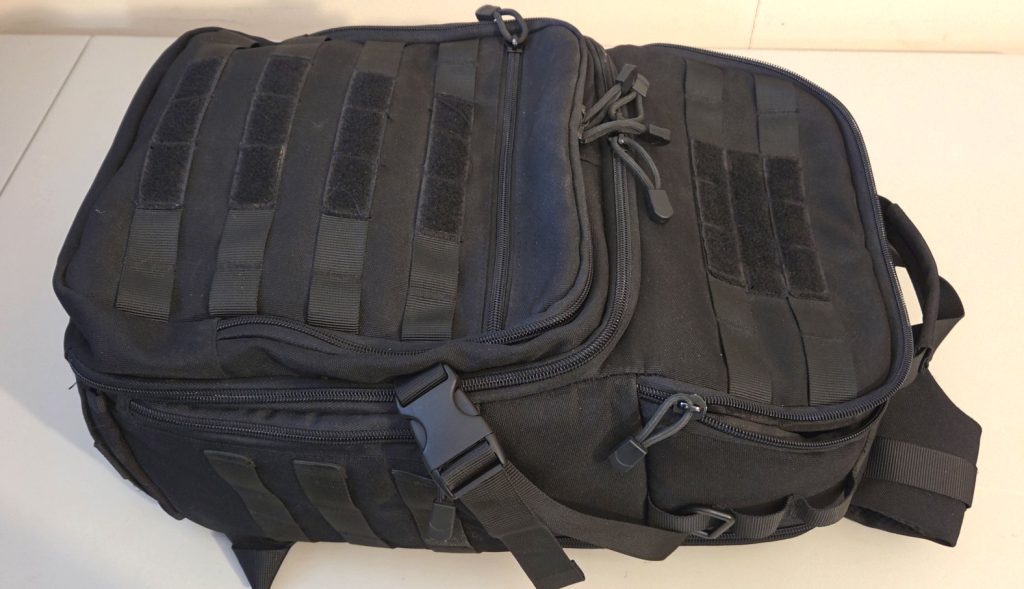
When I made the decision to downsize and move to Bangkok, just about all of it needed to go. Whatever didn’t fit in my backpack, it was gone. I bought myself an affordable laptop and spent the next four months selling, giving away, or tossing literally hundreds of items. I packed whatever I could into my backpack and made the move.
It was liberating. Everything I needed was right in my backpack, just the laptop, some nice headphones, a backup drive, a mouse and mousepad. I could plop myself down in any cafe, food court, or coworking facility, buy myself a coffee, and get to work.
The Reality
As I put the digital nomad lifestyle into practice, my unique situation, as well as some assumptions I had about this lifestyle, didn’t quite fit. For one thing, I work 11-12 hours a day, every day. This involves waking up at 2 AM. There are very few places I can go to do work at 2 AM. The trains suspend service at that time, coworking facilities are mostly not available, and coffee shops and food courts are basically all closed.
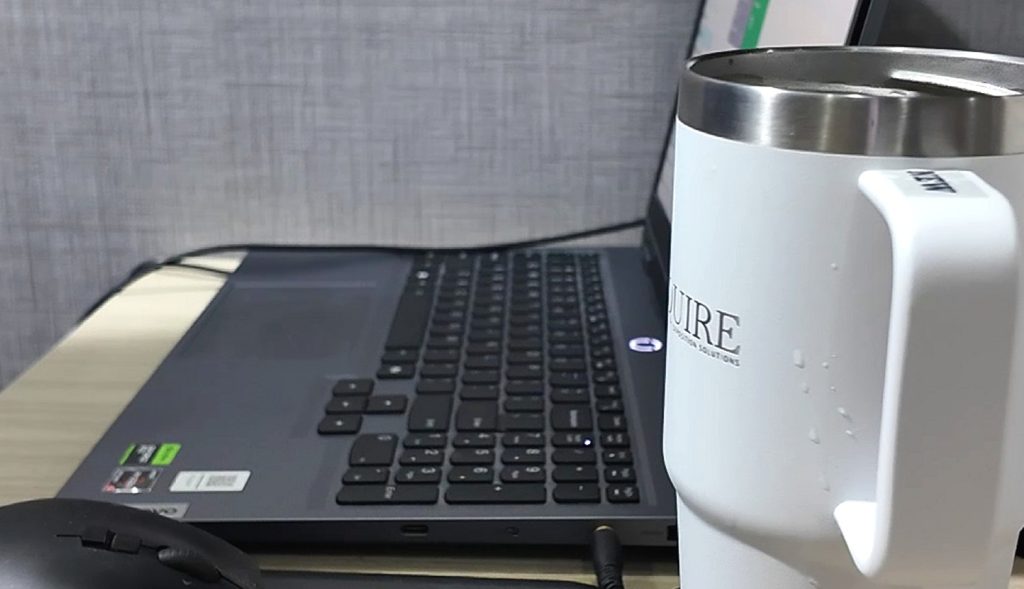
Also, working in public isn’t always what it’s cracked up to be. Some shops and food courts can be packed with people. These places are often loud, and some even have two hour limits on seating. Many places don’t have power hookups, though many have free WiFi. While doing light work such as research, responding to emails, preparing images, and even some article writing can certainly be viable, the constant small distractions don’t allow me to focus well or really get into the zone. It almost seems like the majority of people working in some of these types of places are just there to project a certain type of image and be seen.
Actual coworking facilities are definitely an improvement. With a less busy environment more in tune with focused work, more power hookups, larger tabletops, every one of these places seems to have fast internet. They can get pricey however, and their limited hours don’t really suit my workload. Free coworking at many facilities is usually quite limited, more of a marketing tool to get people in the door and upgrade them into paid plans. The limited amount of free coworking seating, no free internet for free coworking, and limited power hookups in the free coworking areas means the area fills quickly after it opens, and people camp in their spots all day.
Working from just a 15″ laptop screen also proved to be a challenge at times. Emails, research, and some writing are all perfectly fine, but video editing on a screen that small, in public, is an absolutely terrible experience. I found myself having to work around the video editing while outside the apartment, and then edit when back at home.
The Wakeup
After breaking down my schedule, I realized that although I was a “Digital Nomad”, I was still working from my apartment nearly six hours a day. Spending the early mornings and late afternoons working at home meant I needed to evaluate the work environment I was spending basically half my time in.
Looking around, it wasn’t a pretty sight. My laptop setup was crammed into the corner of a small dining table I shared with my wife’s large remote work setup. We were using the cheap plastic dining chairs that came with the apartment. I was editing videos every day on a tight 15″ laptop screen, having to constantly zoom and scroll around just to see the video timeline. I thought to myself, “Why am I destroying my back and slowing down my workflow on a small dining table when I can fix this for cheap?”
I decided to take some small steps to improve my workspace and help eliminate bottlenecks while working at home. Just because I was calling myself a digital nomad now didn’t mean I couldn’t have an affordable, comfortable work environment at my apartment as well.
The Setup
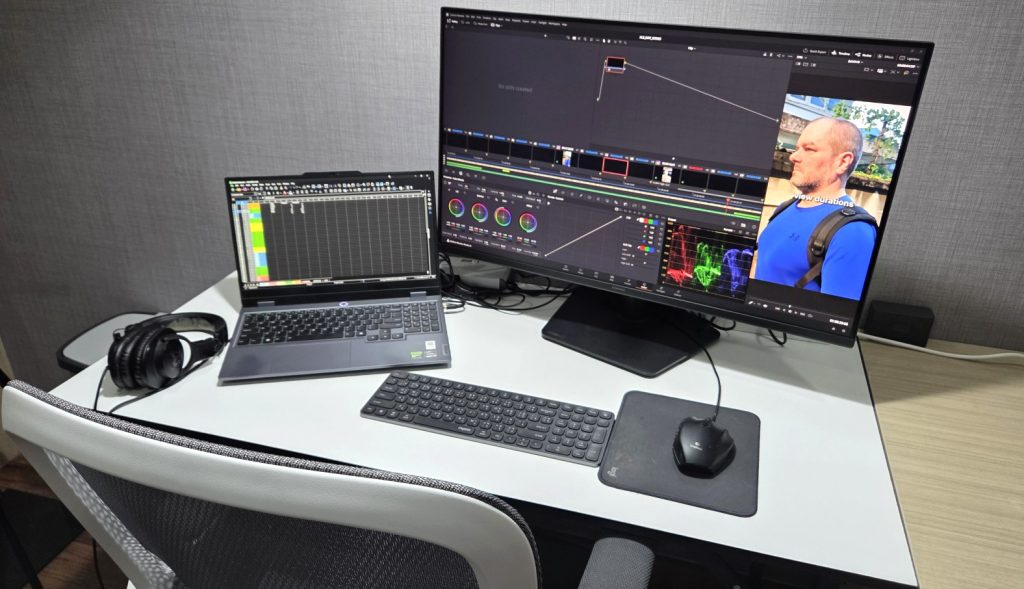
The first thing I purchased was a simple 4′ standalone table. For a low price of 799 baht, less than $24 from my local Lotus, the hardest part was getting it back to the apartment. This table allowed me to move my setup off the shared dining table, giving me a lot more space to work with. Plus, my wife no longer had to stare directly at me while we were both working.
For the next purchase I was looking for an affordable office chair that wasn’t too bulky. The dining chairs were absolutely terrible to use and weren’t comfortable for more than about 30 minutes at a time, and here I was sitting in them trying to work for six hours a day. We found simple, mesh back, adjustable office chairs with lumbar support and armrests at Office Mate for 2,490 baht, or roughly $74 each. They were delivered in a couple days for no extra charge and I just had to assemble them myself. These were a game changer and my back thanked me for it.
To finish off the workspace upgrade, I headed to IT City to find a larger standalone monitor. What I found was a 32″ Samsung Odyssey G5 on discount for 5,990 baht, or $178. This 1440p, adjustable IPS monitor offered an impressive 78% boost to screen real estate and was an absolute game changer for the video editing, and for my eyes.
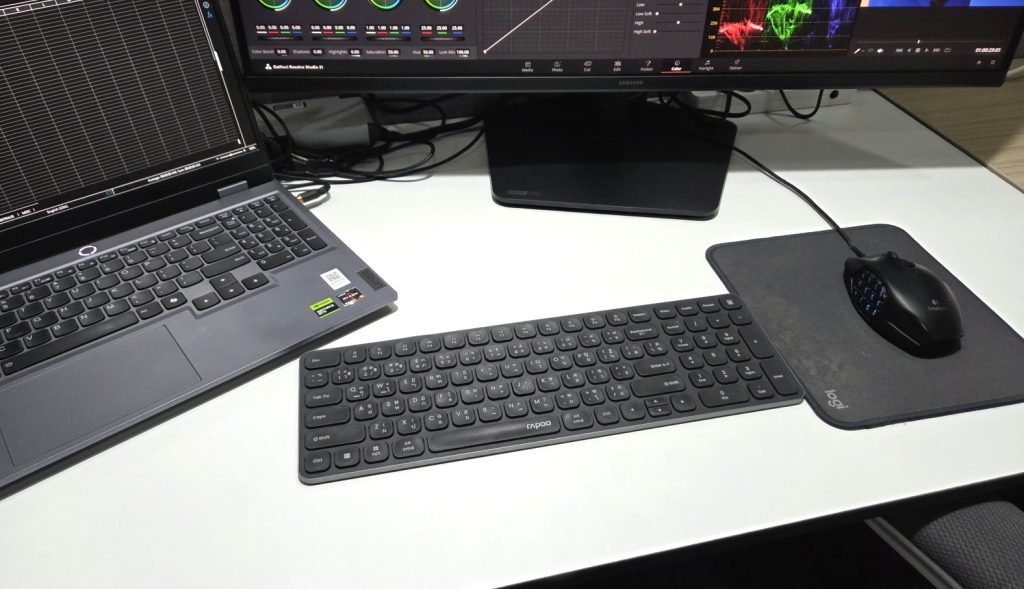
At the last minute I realized that having the large standalone monitor meant that I would no longer have the laptop keyboard directly in front of me to type on. I grabbed a slim wireless keyboard for 635 baht, or $19 before I left the store.
The Takeaway
I was able to significantly upgrade my home workspace for a total cost of 9,914 baht, or $295. I spent so much time focusing on the fact that I was now a “Digital Nomad” that I wasn’t paying attention to the reality that I actually worked from home half the time. It just goes to show that you don’t need to spend a lot of money to gain workflow efficiency, increase comfort, and create an overall highly productive workspace at home.