Fix Slow Internet and Bypass ISP Blocks
Why Switch DNS
Your ISP normally controls how your computer looks up domains. They can slow down and even block things like websites or game servers you want to reach. Switching your DNS in Windows to a faster and more open network can speed up your connection, get around basic access blocks, and reduce the need for a VPN. So let’s jump into it.
Switching DNS Servers
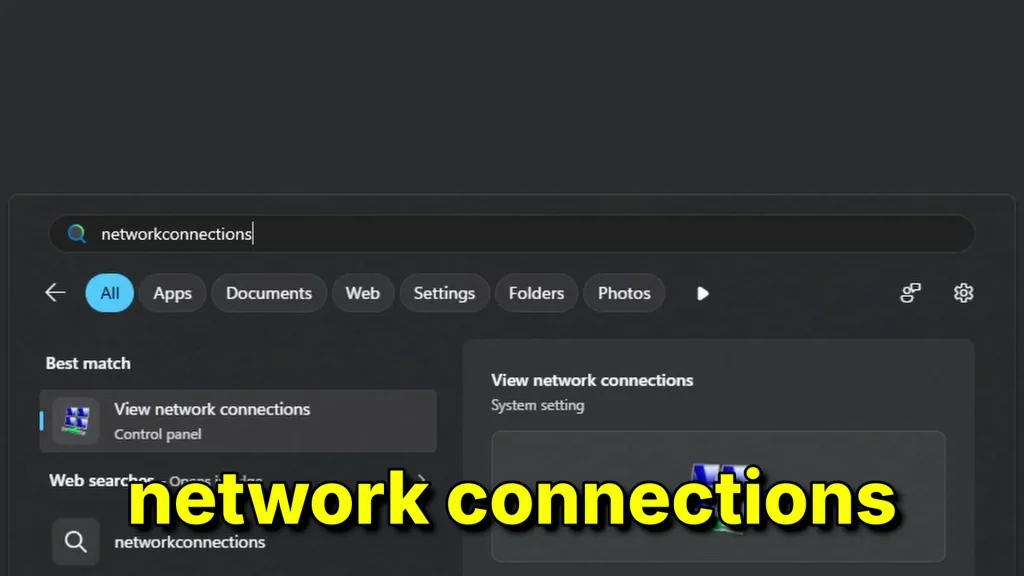
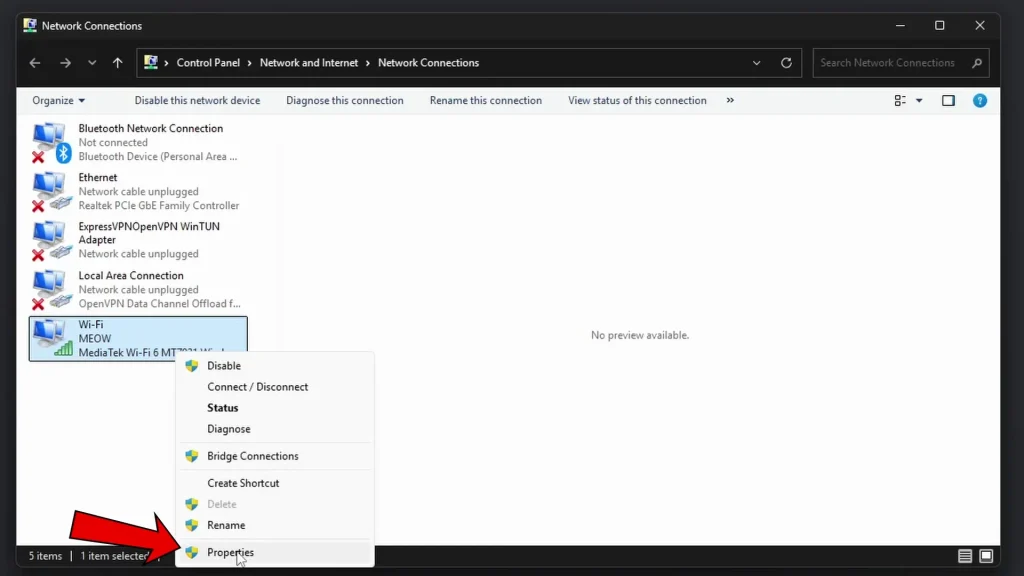
First use the Windows key to open up the search bar. Now type “Network Connections”. Select that to pull up a list of network connections on your computer.
Right click on the active network connection you wish to change the DNS for and select Properties.
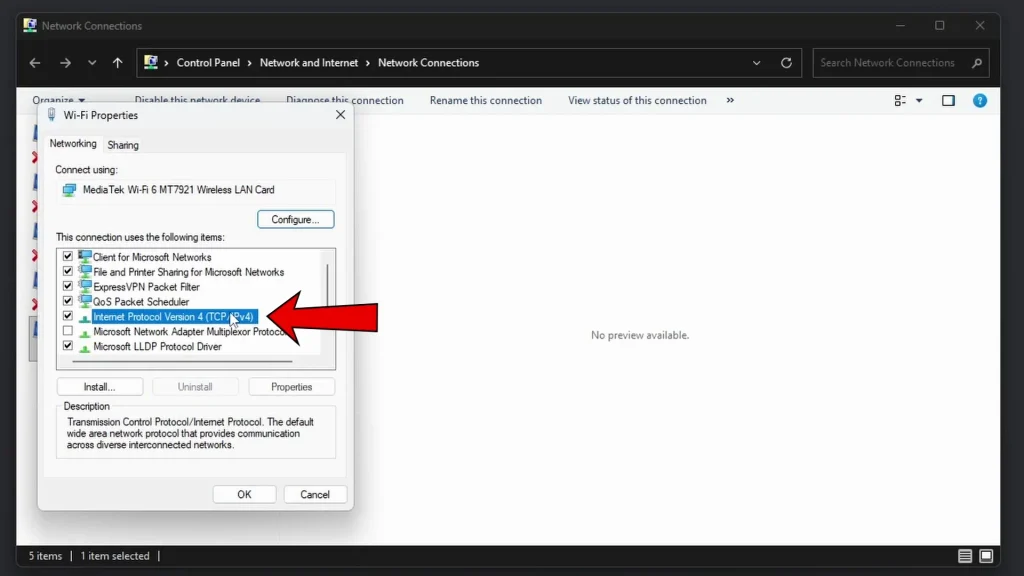
Next, select “Internet Protocol Version 4” and click Properties.
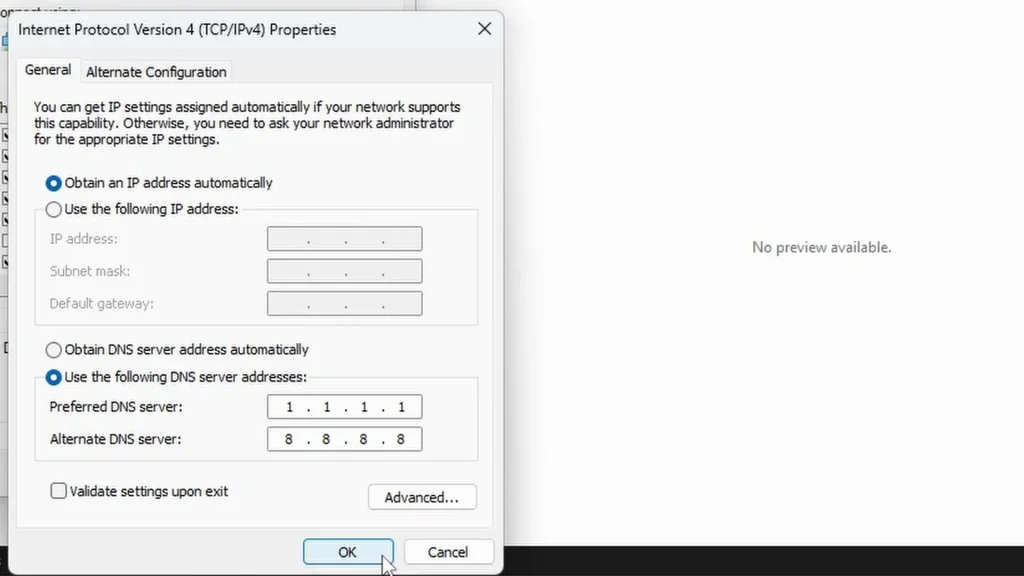
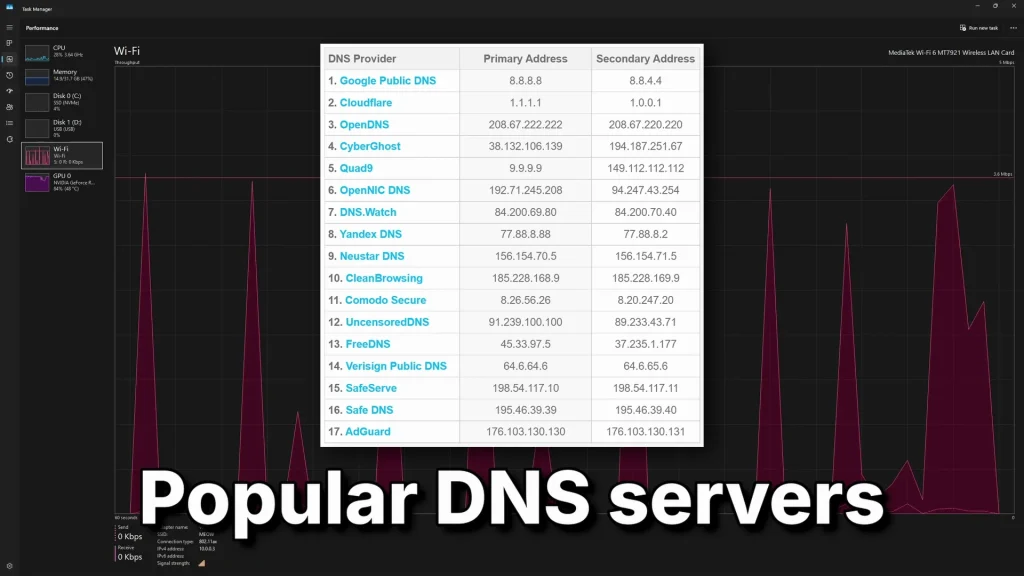
Now select the bottom radio button to open up the DNS server fields. We’re going to choose Cloudflare at 1.1.1.1 as our Preferred DNS server, and Google at 8.8.8.8 as our Alternate DNS server. Once you’ve entered the servers you like, click OK.
Clear Old DNS Data
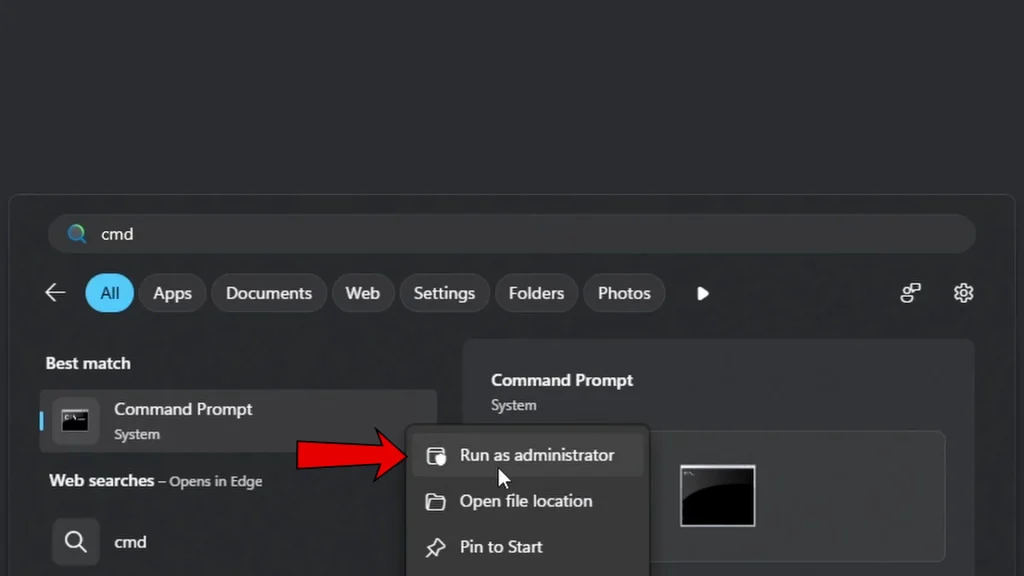
Now that we’ve set the network adapter, we’re going to want to clear out the old network data. Use the Windows key to open up the search bar again and type CMD. Right-click on the Command Prompt icon and select “Run as Administrator”.
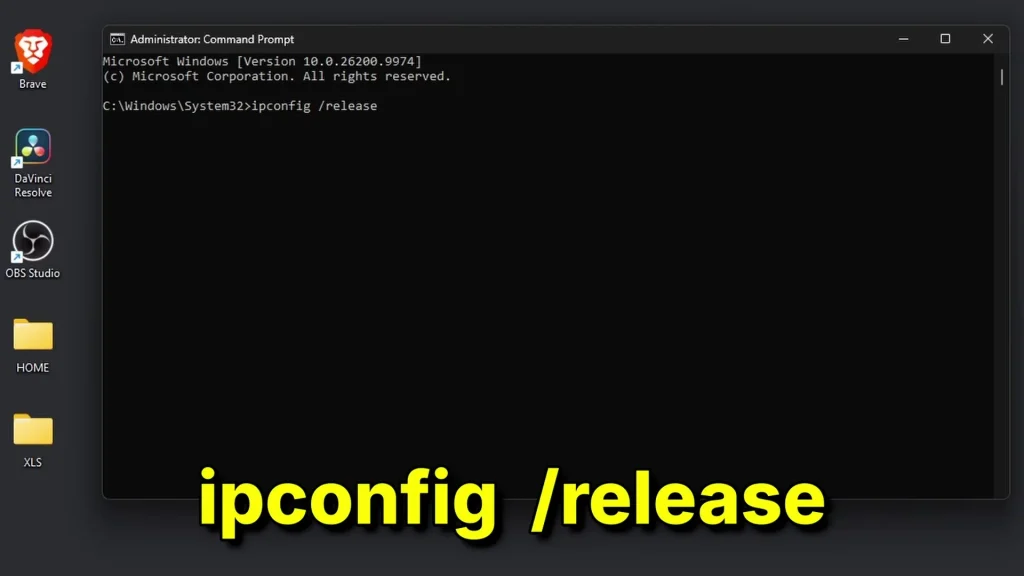
Type “ipconfig /release” to drop the current network connection data. Be aware that this will disconnect you briefly from the internet.
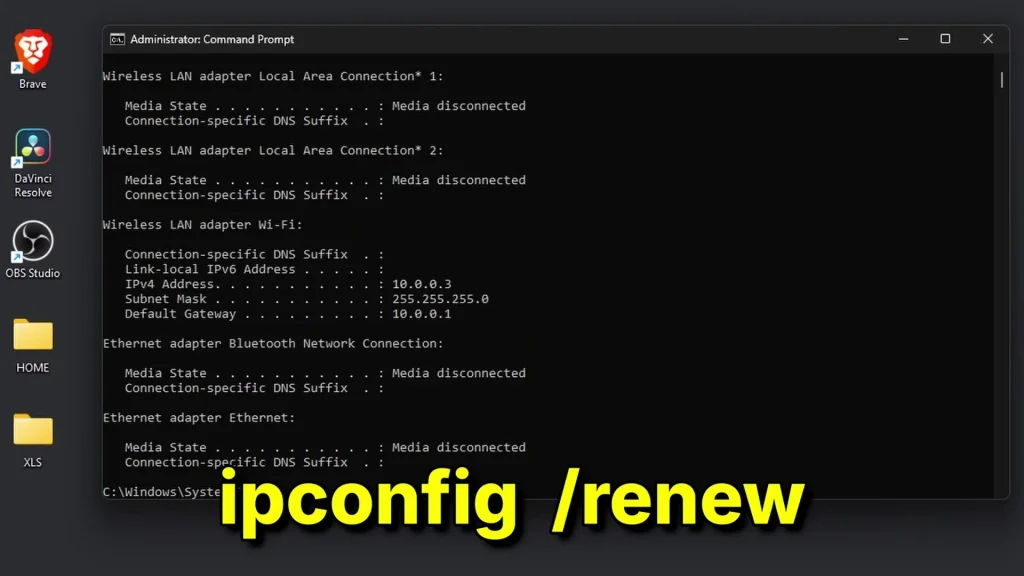
Now type “ipconfig /renew” to create a new network connection.
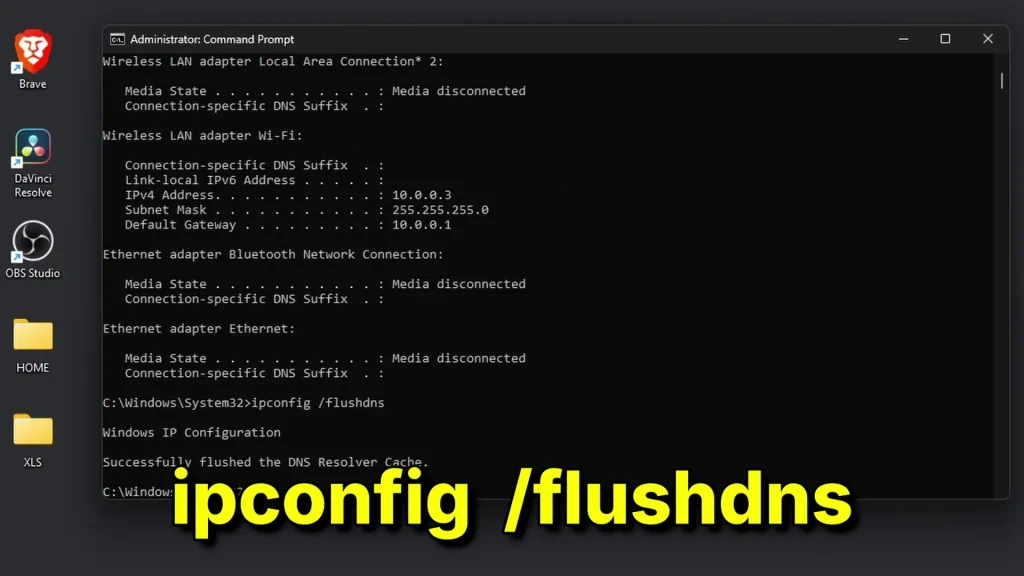
Once your connection returns, type “ipconfig /flushdns” to wipe the old DNS entries from your internet service provider. Your new DNS servers are now in control of your domain lookups.
Limitations
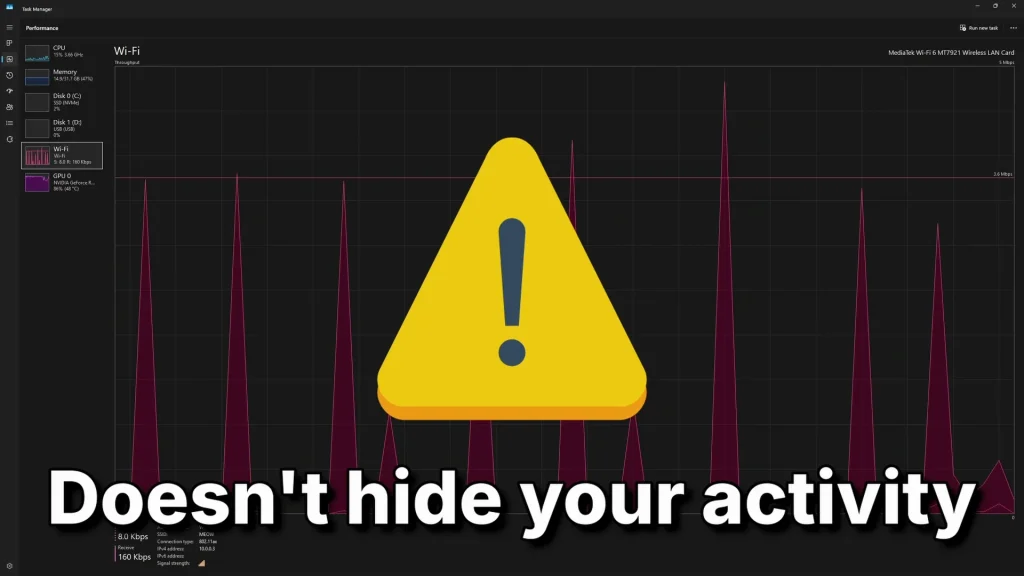
Be advised that while this gives you some level of anonymity, this does not make you untraceable and isn’t a full VPN. Your ISP can still see your traffic and your IP address is still visible. Use a real VPN when you actually have the need for encrypted tunneling. Still, for faster page loads and as a quick workaround to many basic internet blocks such as game servers, a change in DNS servers is often all you need.
Pro Tip: If you’re looking to build out your website or secure a custom domain for your project, Hostinger currently has up to 75% off plans with a free domain and website builder included.
Explore Hostinger →