
Which SATA Cable Should I Use?
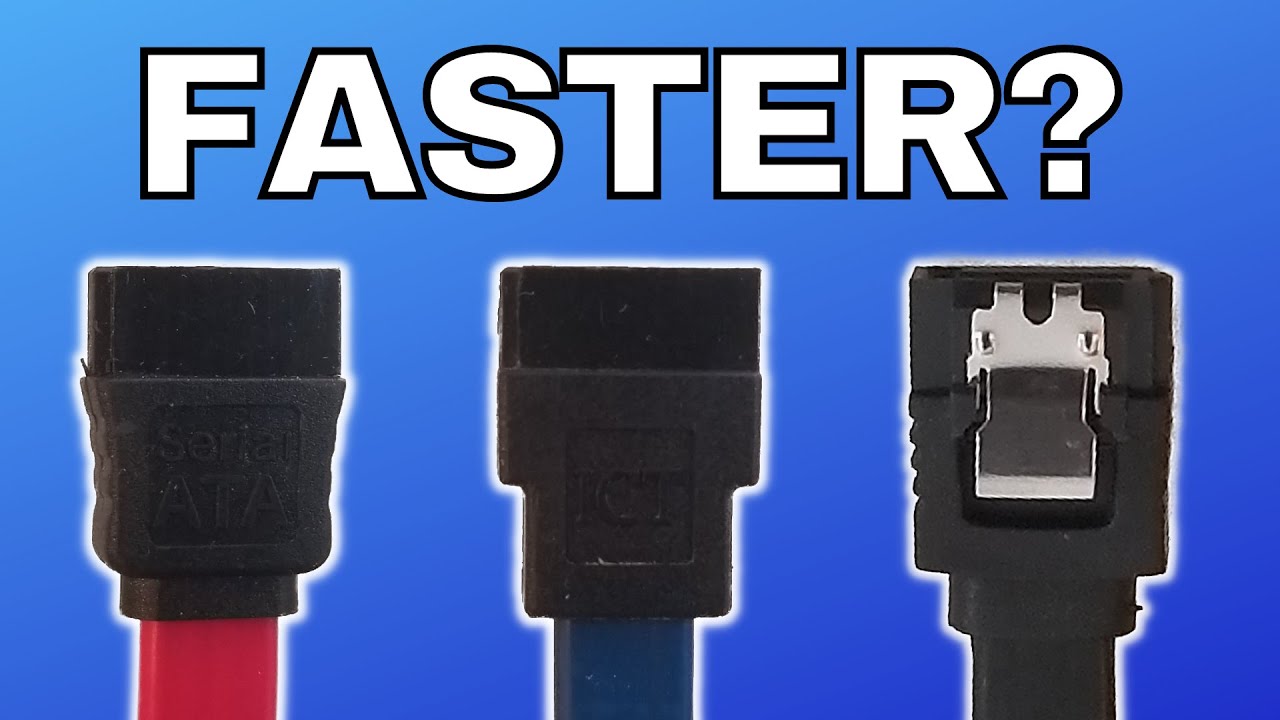
This video explains how SATA data cables work, what the different labels mean, and whether cable type affects speed. It also covers connector styles, wire gauge, and how to avoid signal problems inside your PC.
So you have a SATA cable, the data kind, not the power kind. How do you know what type of SATA cable it is? Is it SATA 1, SATA 2, or SATA 3? What speed will the SATA cable support, and is it fast enough for your drive?
If you’ve ever looked at any number of SATA cables, you may notice that they often aren’t labeled well. Sometimes the printing along the side may read SATA, 6G, or even occasionally SATA 3. More often than not, the cables are either not labeled at all or just say SATA along with some serial numbers.
The reason for that, at least when it comes to speed, is that they are all the same. Any SATA cable that fits can deliver the same speed as any other. The standard for SATA data cables has not changed since SATA was first introduced in 2003. These cables have no logic or circuitry inside them, they are literally just wires covered in plastic.
As far as color is concerned, it has no bearing on the cable itself. People use different color SATA cables to make their machines look aesthetically pleasing, and some builders use different colors to identify which cable goes to which device.
SATA data cables are nearly always female to female and are bi-directional. This means the cable can be hooked up in either direction. SATA connectors come in both locking and non-locking varieties, with locking clips made from either plastic or metal. Locking connectors are recommended because loose connectors are one of the most common causes of degraded performance or failure.
SATA connectors come in three varieties: straight, right angled, and left angled. Angled connectors can help with tight spaces or low profile setups. Right angled connectors lead the cable downward away from the device, while left angled connectors lead the cable upward.
To ensure you get the fastest and most reliable performance from your SATA device, there are a few things to keep in mind. Always be sure the cable fits tightly on both ends. This is where locking clips can really make a difference.
The thickness, or gauge, of the wire used in the cable can also make a difference. SATA cables tend to come in 26, 28, and 30 gauge thicknesses. The lower the gauge, the thicker the wires are. A lower gauge is preferred for a cleaner, more stable signal.
When laying out your cables inside your machine, avoid having your SATA cables wrap around power cables or run up against the power supply. This can introduce electrical interference in the SATA cable, which will degrade the signal.
So there you have it, a quick rundown on the basics of SATA cables. If you have any questions, please feel free to leave a comment on the video!